From Moodboard to Shipped Build
Interface work is rarely one big reveal. It is a loop of drawing, building, testing on hardware and fixing, repeated until the text disappears into the play.
- MoodboardTone, references, constraints
- SpecimenType pairing and size scale
- GreyboxFlows and focus maps
- EnginePrototype on real hardware
- PlaytestRead under pressure
- LocaliseText expansion and scripts
- CertifyPlatform checks and ship
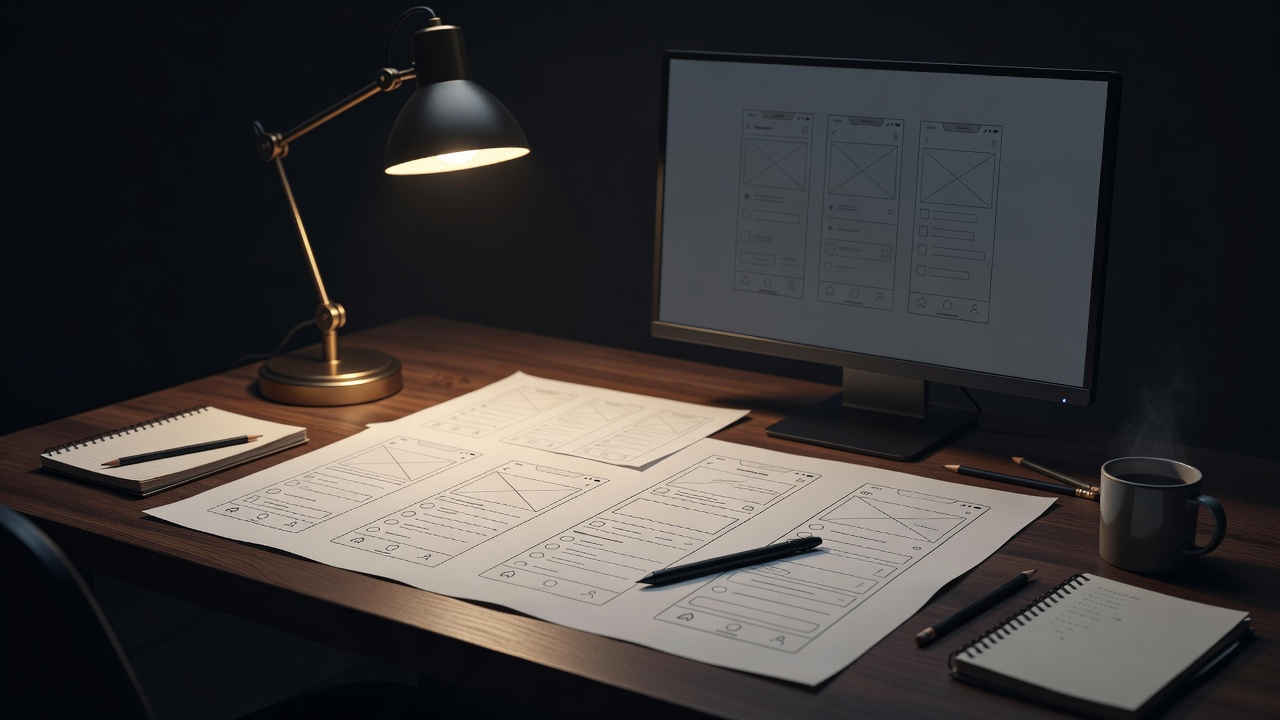
1. Moodboard: tone with constraints attached
Every UI project starts with references: screenshots of interfaces the team admires, signage, packaging, film titles, real-world instrument panels. The useful moodboards also list constraints next to the pictures: target platforms, minimum screen size, supported languages, input methods. A gorgeous thin serif on the moodboard is a warning sign if the game ships on Nintendo Switch in handheld mode and in Japanese.
2. Specimen: pick a system, not a font
The specimen sheet turns mood into rules. It defines the display face and the workhorse face, a size scale (for example a ratio of 1.25 between steps), weights, colours, and how text sits on backing plates. Type designers often work in Glyphs or FontLab when a custom face or modified glyphs are needed; layout teams usually build the specimen in Figma. The key output is a short list of text styles everyone uses, so twenty slightly different label sizes do not creep into the build.
3. Greybox: flows before pixels
Next come grey, unstyled wireframes of every screen and, crucially, the paths between them. For controller-first games we draw focus maps: arrows showing where each d-pad press goes. This is where you catch dead ends, duplicate settings and menus that are four levels deep for something players change often.
4. Engine prototype: the moment of truth
Figma lies, gently. Real text rendering, real anti-aliasing, real TV gamma and real viewing distance change everything. Studios rebuild key screens early in the engine, whether Unity UI Toolkit, Unreal Engine's UMG or a custom framework, and put them on target hardware within weeks, not months. Keep a debug overlay that can scale all text and show safe-area guides.
5. Playtest: read under pressure
Ordinary playtests ask whether the game is fun. UI playtests ask specific questions: could you read your health while dodging? Did you notice the objective update? Which prompt did you miss? Recording eye movement is a luxury; asking players to call out values aloud during a fight is cheap and surprisingly revealing. Include players who use glasses, play on handhelds, and play in a second language.
6. Localise: let text grow and change direction
Localisation is where fragile layouts break. Pseudo-localisation, replacing English strings with longer accented placeholders, catches truncation before translators start. Teams test font fallback for scripts the main face does not cover, right-to-left mirroring for Arabic and Hebrew, and line breaking rules for Chinese, Japanese and Thai, which do not use spaces the way English does.
7. Certify and ship
Console platforms run certification checks before a game can release: Sony's technical requirements, Microsoft's Xbox Requirements and Nintendo's Lotcheck process. Several checks touch UI directly: correct platform terminology and button glyphs, safe-area compliance, handling of disconnected controllers, and correct display of user-generated names. Missing them costs resubmission time, so studios keep a UI cert checklist running from the engine prototype stage, not the week before submission.
After launch
Patches are a second chance. Player feedback about tiny text or missing options is common in the first weeks after release, and adding a text size slider post-launch is one of the most appreciated updates a team can ship. Treat accessibility and readability reports with the same priority as crash bugs.
Want us to look at your pipeline or a specific screen? Open a ticket with the desk. Background on the type itself is in Drawing Glyphs for a Moving Screen.